What height should my monitor and chair be for work?
Short answer
Monitor: the top of the screen at or just below eye level, about an arm's length away, tilted slightly up. Chair: feet flat on the floor, knees around 90°, hips level with or just above the knees, and elbows at about 90° when your hands are on the desk (desk height around 72–75 cm). If your feet don't reach the floor, use a footrest; if the monitor is too low, raise it with a stand or a stack of books.
Good desk ergonomics comes down to a few numbers. You don’t need a lab — just to get your screen at eye level and your elbows at 90°, with everything else supporting those two. Here’s the target, and how to hit it cheaply.
The monitor
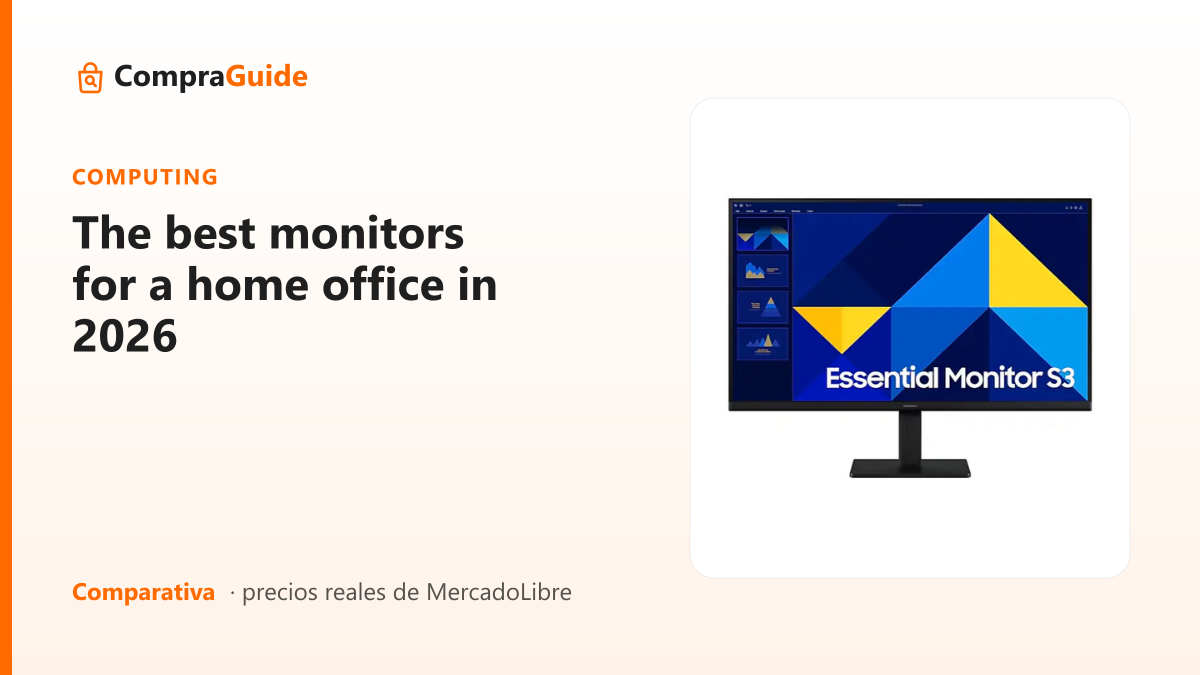
- Height: the top of the screen at or just below eye level, sitting straight. Your gaze should fall slightly downward onto the middle of the screen — that’s the neck’s relaxed angle.
- Distance: about an arm’s length (50–70 cm); a bit more for a large screen.
- Tilt: angled up just slightly, so the whole screen faces your eyes evenly.
The most common mistake is a screen that’s too low — working on a bare laptop is the worst offender, because it forces your neck down all day. Raising it is the single biggest free fix.
The chair and desk
- Desk height: around 72–75 cm suits most people. Treat it as the fixed point and adjust the chair to it.
- Elbows at ~90°: with hands on the desk, your forearms should be roughly level and your shoulders relaxed — not hunched up or reaching down.
- Feet flat, knees ~90°: feet on the floor, hips level with or just above the knees.
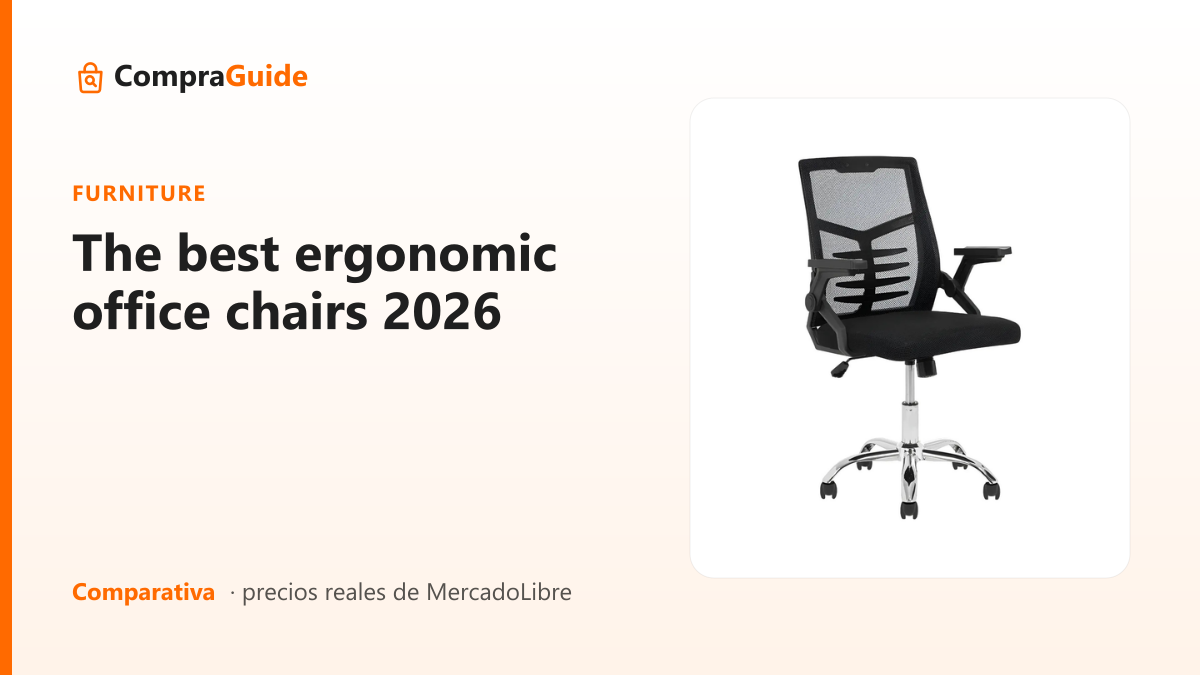
- Lumbar support: the chair should gently support the inward curve of your lower back.
The cheap fixes
- Monitor too low? A stack of books or a firm box under it (or under the laptop).
- Feet don’t reach? A footrest, or a box — needed whenever you raise the chair to meet a tall desk.
- Elbows wrong? Adjust the chair height until your forearms sit level with the desk.
The two things you can’t really improvise are real lumbar support and a seat that adjusts smoothly — that’s where a proper chair pays off. Fix the free stuff first, then invest where it counts.
Putting it together
The order to spend, and the whole setup step by step, is in how to set up an ergonomic home office. When it’s time to buy the two pieces that carry your posture, we compare the real options in the office chairs guide and the home office monitors guide.
Frequently asked
How high exactly should the monitor be?
The top edge of the screen should sit at or just below your eye level when you're sitting straight, so your gaze falls slightly downward onto the middle of the screen — the neck's natural resting angle. Distance: about an arm's length (50–70 cm), a bit more for a large screen. If you wear progressive lenses you may want it a touch lower. The most common mistake is a screen too low, which makes you look down and strains your neck.
What's the right desk and chair height?
A standard desk is around 72–75 cm, which suits most people. From there, set the chair so your elbows are at about 90° with your forearms level with the desk and your shoulders relaxed. Your feet should be flat on the floor with knees near 90°. If the desk is fixed and too tall, raise the chair and add a footrest; if it's too low, that's harder to fix and a taller desk or riser helps.
What if my feet don't reach the floor?
Use a footrest, or improvise one with a sturdy box or a couple of books. When you raise the chair to get your elbows level with a tall desk, your feet often stop reaching the floor — supporting them keeps the pressure off the back of your thighs and holds the 90° knee angle. It's a small detail that prevents a lot of lower-back and leg discomfort over a long day.
Can I fix all this without buying anything?
Most of it, yes. Monitor height: a stack of books or a firm box under the screen or laptop. Feet: a box as a footrest. Elbow angle: adjust the chair height. The two things you can't really improvise are proper lumbar support and a seat that adjusts smoothly — that's where a good chair earns its money. Fix the free stuff first, then invest in the chair.
Ready to choose?
These are the guides with real products and verified prices that match this question.
The figures in this note are based on the products' public specifications. How we do it. See all questions →