How to set up an ergonomic home office on a budget
Short answer
Spend in this order: first the chair (it's the only problem you can't fix with a hack), then monitor height (often free, with a stack of books), and only then a separate keyboard and mouse. Those three points define your posture; the fancy desk and nice accessories come much later.
Setting up a comfortable home office isn’t about buying a lot — it’s about buying in the right order. Most people spend first on what looks nice (a designer desk, cute accessories) and leave what actually protects their back for last. It should be the other way around.
These are the three points that define your posture, in order of priority.
1. The chair — the one thing you can’t improvise
It’s where you spend six, eight, ten hours, and the only ergonomics problem with no homemade workaround. What matters isn’t that it’s “gaming” or has lots of levers, but three concrete things:
- Lumbar support that gently pushes into the lower curve of your back.
- Adjustable height, so your feet rest on the floor and your knees sit at 90°.
- Armrests level with the desk, so your shoulders stay relaxed.
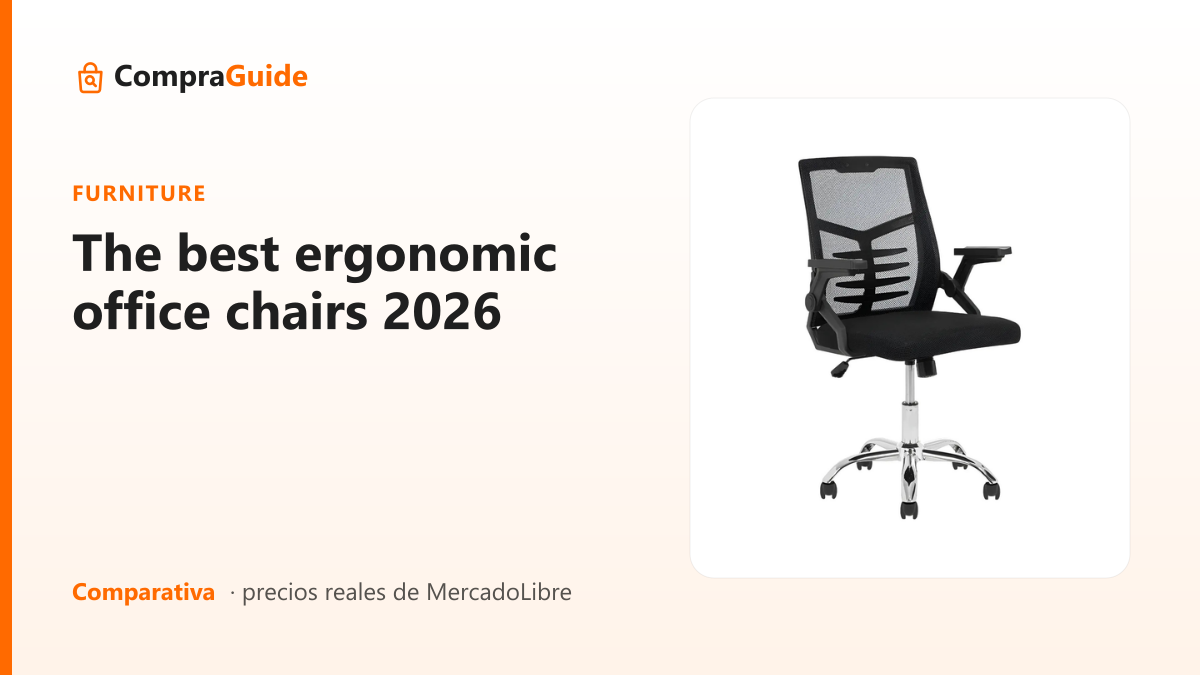
If you can only spend on one thing from this whole list, make it this one. We compare the real options in the office chairs guide.
2. Monitor height — the upgrade that’s often free
The top edge of the screen should sit at eye level. If you look down all day, your neck pays for it. The good news: this costs nothing. A stack of books or a firm box under the monitor (or the laptop) solves 90% of the problem.
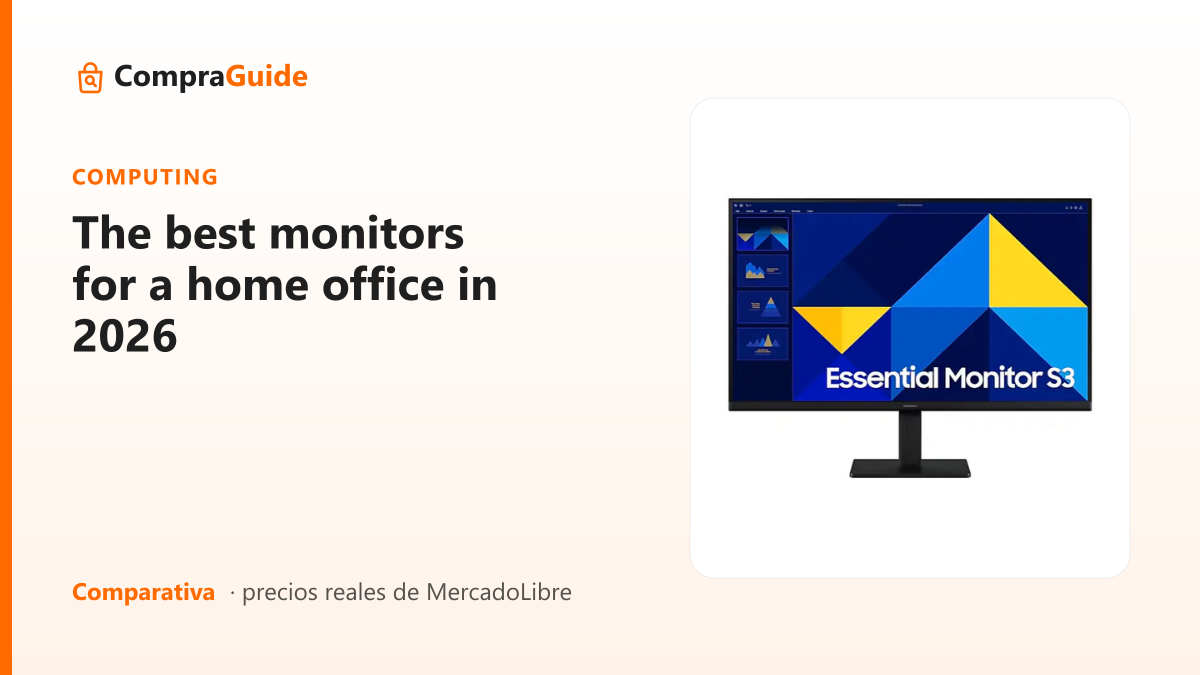
The next step, if you work long hours, is adding an external monitor: it gives you more space and lets you raise the screen without lowering the keyboard. A budget 24-inch already makes a huge difference — we cover it in the home office monitors guide.
3. Keyboard and mouse, separate from the laptop
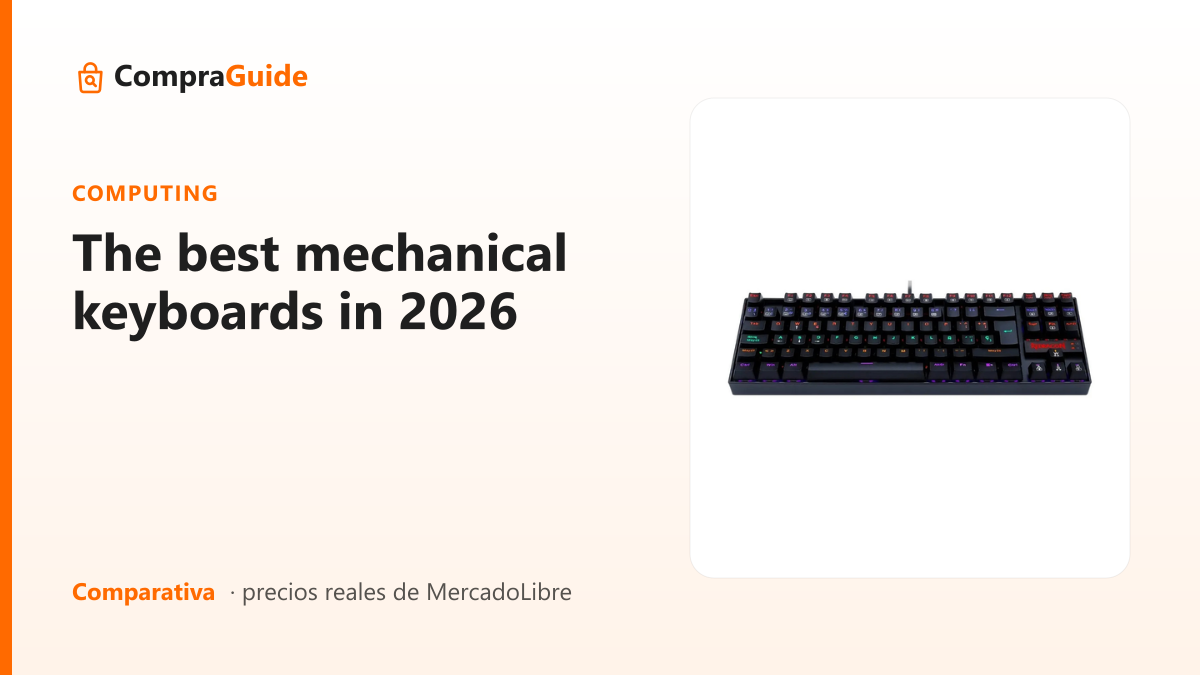
As soon as you raise the laptop to protect your neck, the keyboard ends up too high. The fix is an external keyboard and mouse, resting at elbow height. They don’t need to be expensive; they do need a layout that matches your language. The options are in the keyboards guide.
The order that saves money
Chair → monitor height → external keyboard and mouse. Only after that: desk, desk lamp, footrest, accessories.
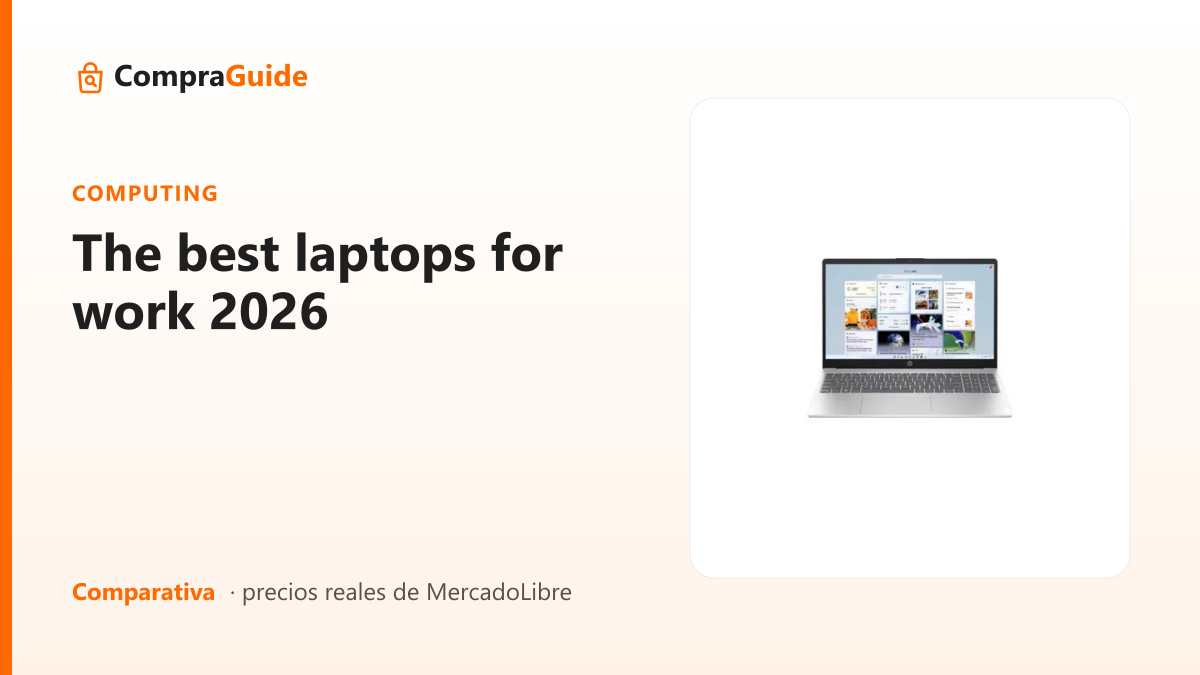
If you start from the end — the pretty desk, the ring light — you spend first on what protects your body least. Start with the chair and screen height, which are 80% of the comfort, and add the rest when you can. And if you’re still choosing the machine, see the work laptops guide.
Frequently asked
If I can only buy one thing, what should it be?
The chair. It's the only ergonomics problem you can't solve with a homemade trick. Monitor height you fix with a stack of books, a low keyboard you work around by separating it from the laptop, but a bad chair will hurt your back every single day and there's no way to improvise it. If the budget covers a single item, make it the chair.
Do I need a special desk or does any table work?
Almost any table works, as long as its height lets your elbows sit at a 90-degree angle with your shoulders relaxed. The comfortable standard height is around 72 to 75 cm. If your table is taller, raise the chair and add a footrest (or a box); if it's lower, that's harder to fix. A height-adjustable desk is a real comfort, but it's last on the list, not first.
Is working on just the laptop bad for my posture?
Yes, and it's the most common mistake. The laptop forces you to choose between looking down at the screen with a bent neck or typing with your arms stretched up: you can't have both right at once, because the keyboard and the screen are attached. The fix is cheap: raise the laptop until the top edge is at eye level and use an external keyboard and mouse. That alone will do your neck a favor.
Is an external monitor worth it if I already have a laptop?
For long working hours it's one of the best upgrades you can make, for two reasons: it gives you more workspace (less time switching windows) and, above all, it lets you raise the screen to eye level without sacrificing keyboard position. A budget 24-inch monitor already changes your daily experience. If you're torn between spending on a faster processor or a monitor, for office work the monitor gives you more real comfort.
Ready to choose?
These are the guides with real products and verified prices that match this question.
The figures in this note are based on the products' public specifications. How we do it. See all questions →