The best home printers 2026
We compared the best-selling printers on MercadoLibre Argentina and picked the best, the cheapest and the premium one, based on ink type, cost per page and connectivity.
Prices verified on August 6, 2026 · How we do it
How we chose: We analyzed 12 real products on the market · MercadoLibre Argentina
As an affiliate, CompraGuide may earn a commission from qualifying purchases. It costs you nothing extra.
Quick verdict
For most people, the HP Smart Tank 210 with a continuous ink system is the best buy: the lowest cost per page and Wi-Fi. If you want to spend little up front, the HP Ink Advantage 2975; if you print lots of text, the Brother laser; and for more features, the Smart Tank 580.
What to look for before buying
- Continuous ink vs. cartridges — A continuous ink system (refillable tank) has a far lower cost per page: the printer costs more, but the ink yields thousands of pages. Cartridges are cheaper up front but very expensive to replace.
- Inkjet vs. laser — Inkjet prints color and photos; laser prints black text very fast and cheaply, ideal if you print lots of documents. Choose by what you print most.
- All-in-one (print, scan, copy) — An all-in-one scans and copies as well as prints. For home or a home office it's usually the most practical: three devices in one.
- Connectivity (Wi-Fi) — Wi-Fi lets you print from your phone or laptop wirelessly, from any room. It's almost essential in a home printer today.
- Cost per page — It's what you'll actually spend over time. Before looking only at the printer's price, think about how much you print and what it costs to replace that model's ink.
Our recommendations

Smart Tank 210 Continuous Ink Color Printer, Wi-Fi
A continuous ink system with the lowest cost per page on the market, color and Wi-Fi to print from your phone. For a house that prints often, it pays for itself.
Create price alert
Leave it empty to be alerted on any drop.
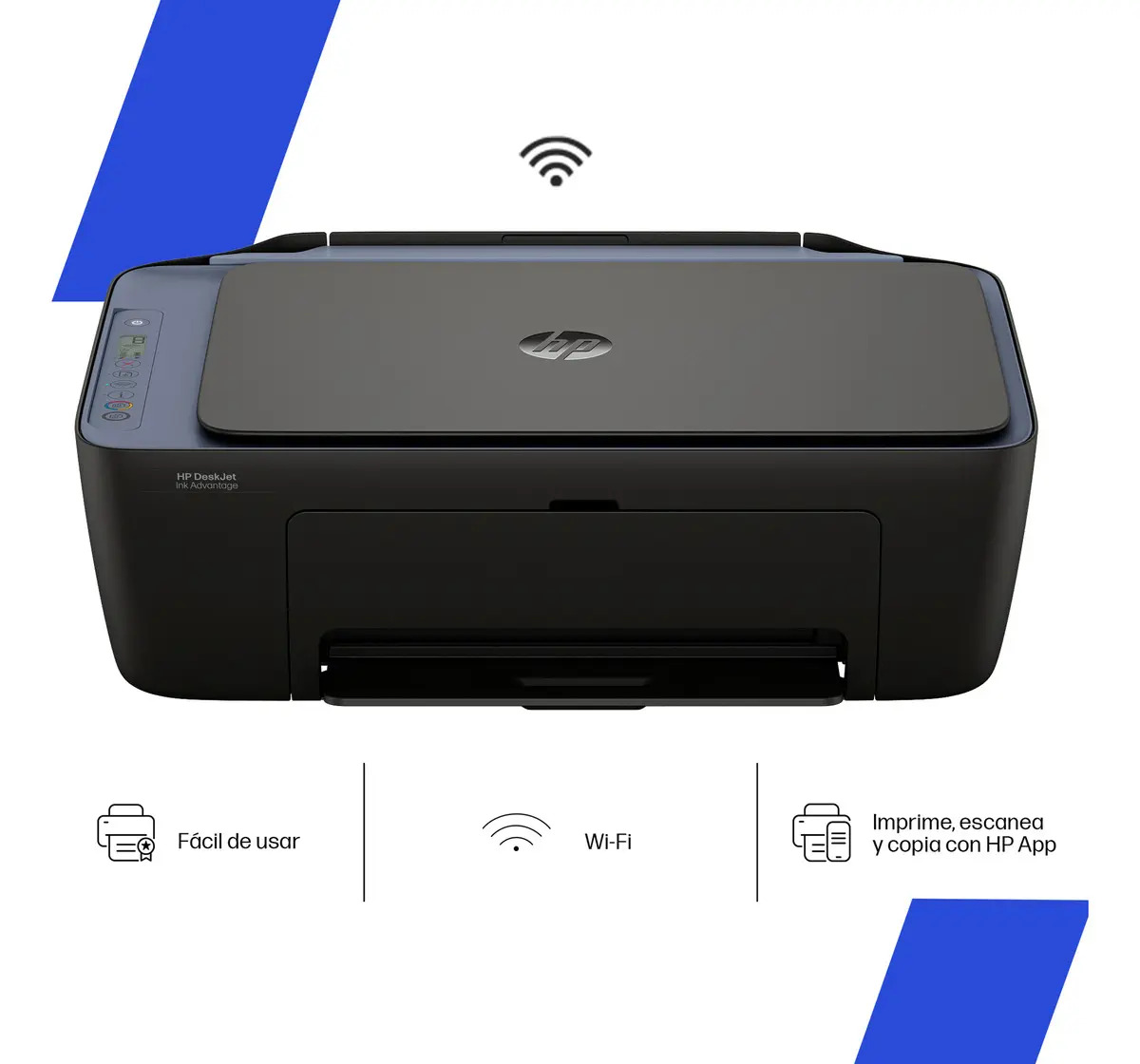
Ink Advantage 2975 All-in-One Color Printer, Wi-Fi
The cheapest to buy: a color all-in-one with Wi-Fi that prints, scans and copies. Ideal if you print little and don't want to spend much up front.
Create price alert
Leave it empty to be alerted on any drop.
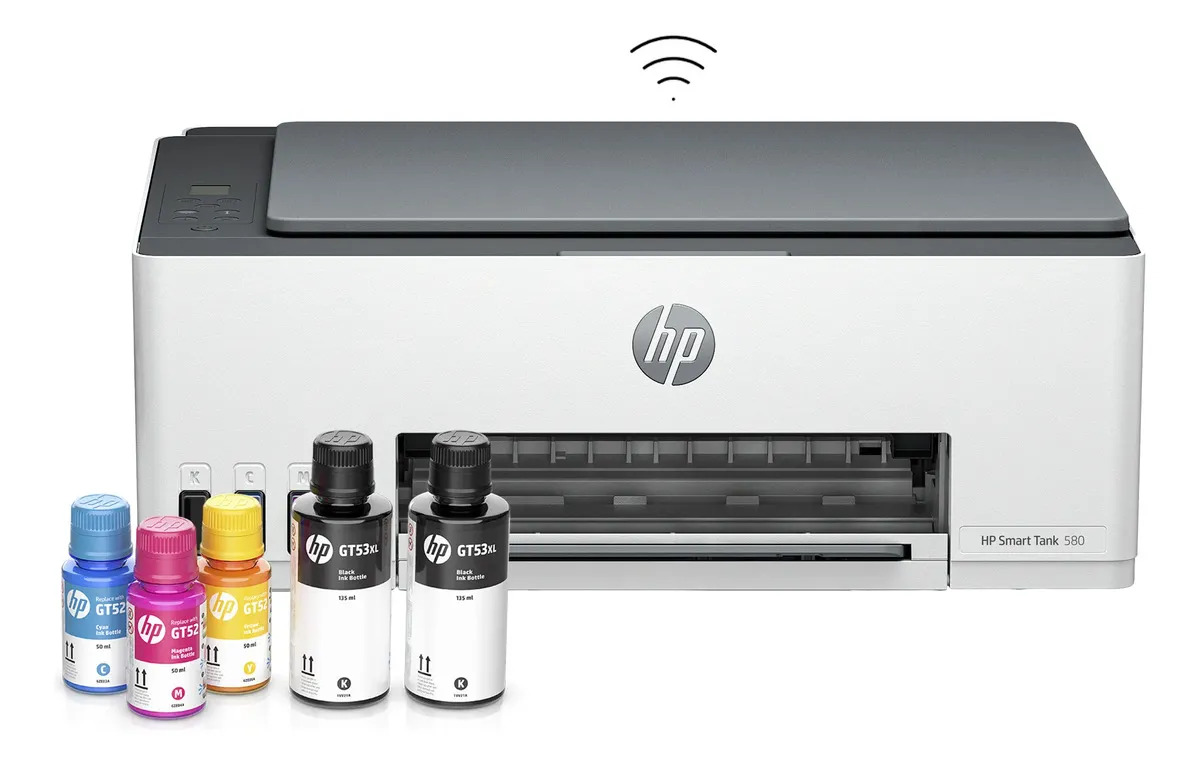
Smart Tank 580 All-in-One Continuous Ink Printer, Wi-Fi
Continuous ink, all-in-one and with more features than the 210. The premium option if you print and scan a fair amount and want the lowest cost per page with full features.
Create price alert
Leave it empty to be alerted on any drop.
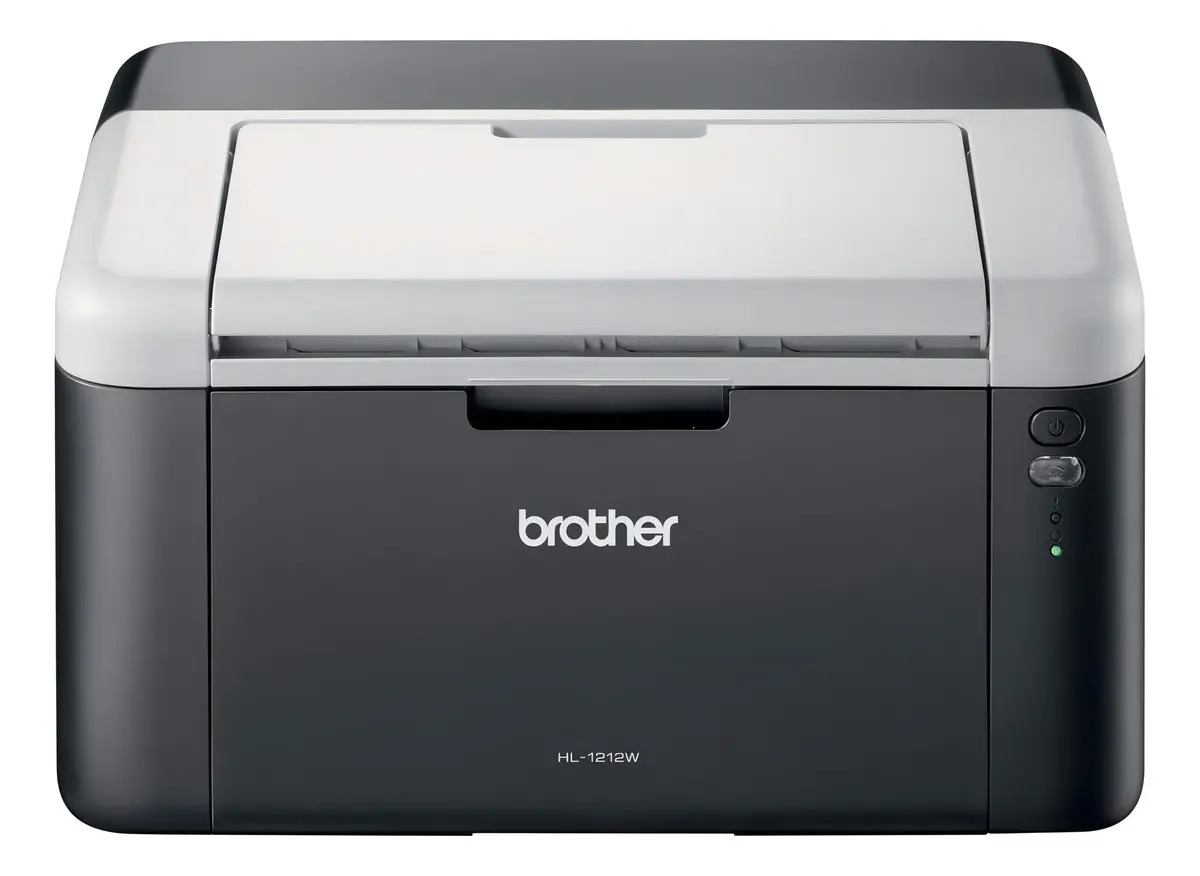
HL-1212w Monochrome Laser Printer, Wi-Fi
A monochrome laser to print black text fast and at a low cost per page. The best alternative if you print lots of documents and don't need color.
Create price alert
Leave it empty to be alerted on any drop.
Side-by-side comparison
| Product | Price | Installments | Rating | Where |
|---|---|---|---|---|
| Smart Tank 210 Continuous Ink Color Printer, Wi-Fi | $ 304.999 | — | — | MercadoLibre |
| Ink Advantage 2975 All-in-One Color Printer, Wi-Fi | $ 205.969 | — | — | MercadoLibre |
| Smart Tank 580 All-in-One Continuous Ink Printer, Wi-Fi | $ 395.999 | — | — | MercadoLibre |
| HL-1212w Monochrome Laser Printer, Wi-Fi | $ 251.599 | — | — | MercadoLibre |
A good home printer is chosen less by its price and more by its cost per page: what you’ll actually spend over time. The keys are the ink type (continuous ink vs. cartridges), whether you need color or just text and the connectivity. We compared the best sellers on MercadoLibre Argentina.
What to look for
- Continuous ink vs. cartridges: continuous costs more but its cost per page is minimal; cartridges are cheap to buy but expensive to replace.
- Inkjet vs. laser: inkjet prints color and photos; laser, black text fast and cheap.
- All-in-one: prints, scans and copies; the most practical for home.
- Wi-Fi: print from your phone or laptop without cables.
Our pick
For most people, the HP Smart Tank 210 with continuous ink is the most complete buy: a very low cost per page and Wi-Fi. If you want to spend little up front, the HP Ink Advantage 2975; if you print lots of text, the Brother laser; and if you want more features, the Smart Tank 580 is the premium option.
Based on your case
If you print little (so cartridges don’t dry out)
The classic problem of printing little: cartridges dry out if they sit for weeks, and replacing them is expensive. Two ways out: a laser (toner doesn’t dry, ideal for occasional text) like the Brother HL-1212w, or a continuous ink system that, using liquid ink in a tank, tolerates idle spells better than a small cartridge. If you still pick cartridges for the lower entry price, print a color page every week or two to keep the nozzles clear.
Continuous ink vs. cartridge: which suits you
It’s the decision that moves the most money. If you print often, continuous ink wins hands down: the printer costs more, but the cost per page is minimal and the ink yields thousands of copies (HP Smart Tank 210 or 580). If you print very little, a cartridge model like the Ink Advantage 2975 is cheaper up front and you don’t sink money into ink you won’t use.
For invoices and freelancing
If you print invoices, receipts or paperwork often, prioritize a low cost per page and an all-in-one (to scan and file receipts). For black text and volume, the Brother laser is unbeatable on cost; if you also need color and a scanner, the continuous-ink Smart Tank 210 or 580.
Prices and availability
Prices and stock come from MercadoLibre Argentina and can change; the link always takes you to the current offer.
Frequently asked
Continuous ink or cartridges?
If you print often, a continuous ink system (refillable tank) is almost always better: the printer costs more, but the cost per page is minimal and the ink yields thousands of copies. Cartridges are cheaper when buying the printer, but become very expensive if you print a lot. For very occasional use, a cartridge model can be enough.
Inkjet or laser?
Inkjet prints color and photos, ideal for general home use. Laser prints only (or mainly) in black, but very fast and with a very low cost per page, perfect if you print lots of text documents. Choose by what you print most often.
Is an all-in-one worth it?
For most people, yes: an all-in-one prints, scans and copies, so it replaces three devices and takes one spot. It's especially useful for a home office or to scan documents and paperwork from home.
I print very little — how do I keep cartridges from drying out?
It's the typical problem with occasional use. The most practical is a laser printer (toner doesn't dry) for text, or a continuous ink system, which tolerates idle spells better than a small cartridge. If you use cartridges, print a color page every week or two to keep the nozzles clear.
Which printer suits a freelancer who prints invoices?
Look for a low cost per page and, if you scan receipts, an all-in-one. For lots of black text, a laser like the Brother HL-1212w is the cheapest to run; if you also need color and a scanner, a continuous ink model like the HP Smart Tank 210 or 580.
Can I print from my phone?
Yes, if the printer has Wi-Fi (all in this guide do). Install the brand's app or use your phone's native printing and send jobs from any room, with no cables or PC in between.
Are the prices and stock up to date?
Yes: we pull real prices and availability from MercadoLibre Argentina. They can change at any time; the link always takes you to the current offer.
Related guides
Still unsure? Tell the assistant what you need and it'll recommend based on your budget.
Ask the assistant →